Why does my headset keep disconnecting
Nov 07, 2025
Leave a message
If it's a Bluetooth headset, the reasons might be:
1. Low battery. Low battery in the headset or charging case can cause unstable connections or automatic shutdown. Please charge it first.
2. Signal interference or excessive distance.
- There may be walls or excessive distance between the Bluetooth headset and the connected device (such as a phone/computer).
- There may be strong signal interference sources nearby, such as Wi-Fi routers, microwave ovens, or USB 3.0 devices. Please move closer to the device and away from interference sources.
3. Too many devices connected: Bluetooth headsets connecting to multiple paired devices simultaneously may cause signal conflicts. Please disconnect other devices.
4. Software issue: There may be a minor glitch in the device's Bluetooth driver or the headset firmware.
- Solution: Unpair the headset, then re-pair and reconnect, and restart your phone or computer.
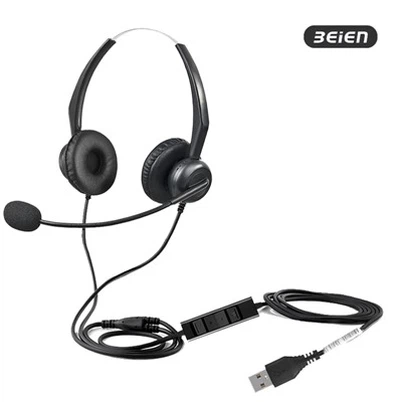
If it's a wired headset, the reasons might be:
- Poor plug contact: The headset plug may not be fully inserted into the device jack, or there may be dust or oxidation on the jack/plug. Please unplug and replug it firmly, and gently clean it with a cotton swab.
- Internal cable breakage: Frequent bending of the cable (especially at the plug base and branch points) can cause internal metal wires to break, resulting in a disconnection with slight movement.
- Inspection method: Play a sound while twisting the cable. If the sound is intermittent with twisting, the cable is damaged.
Keywords: wired usb headset, microphone headset for pc, PC headset, headset for desk phone, business headset bluetooth
Previous:How to set up headset for pc?