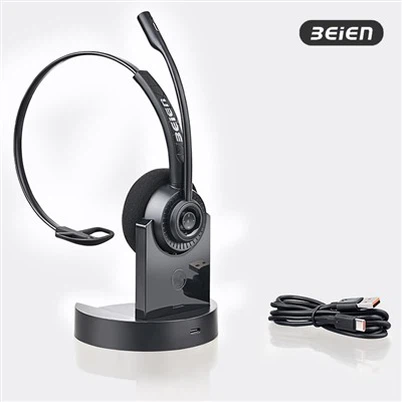
how to use usb headset on Linux?
Mar 26, 2026
Leave a message
Whether you are using Linux or macOS, USB headsets are generally "plug-and-play"; the system will automatically detect the device and install the necessary drivers, just as it does on Windows.
However, there is one key difference: on Windows, the system typically switches to the new headset automatically, whereas on Linux and macOS, you will need to configure the settings manually.
Connection Steps:
- Physical Connection: Plug the USB headset into a USB port on your computer. (For greater stability, it is recommended to use a USB port located on the back of a desktop computer.)
- The system automatically detects the device and loads the drivers.
- Configuration:
- Open your system's "Settings" application, then locate and select the "Sound" option.
- From the "Output Device" drop-down menu, select your USB headset.
- From the "Input Device" drop-down menu, select your USB headset as well.
Keywords: work from home headset, usb headset microphone, wired noise cancelling headset, office noise cancelling headset, noise cancelling usb headset