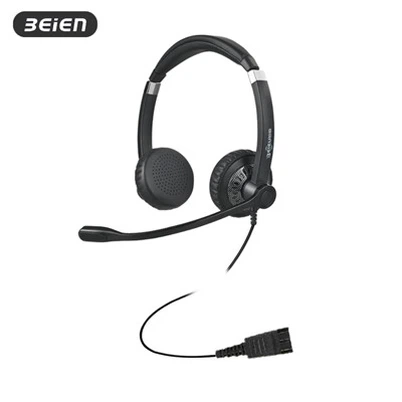
How to adjust the volume of QD headphones
Leave a message
There are several ways to adjust the volume of headphones:
Use the volume button on the headphones: Most Bluetooth headphones are equipped with volume buttons, usually located on the side or bottom of the headphones, marked with "+" and "-" symbols, which are used to increase or decrease the volume.
Use the volume control button on the device: Find the volume control button on the device, which can be a physical button or a touch slider, and increase or decrease the volume by pressing the "+" or "-" button.
Software volume control: When using a music player, video player, or other audio software, you can change the headphone volume by adjusting the volume control in the software.
Adjust the system volume setting: In the operating system, you can find the system volume setting option, and change the volume of all applications, including the headphone volume, by adjusting the system volume.
Use a voice assistant: If your headphones support voice assistant functions, such as Siri, Google Assistant, etc., you can adjust the volume through voice commands.